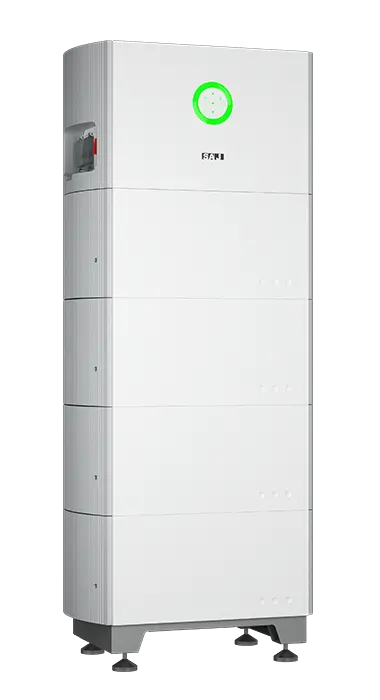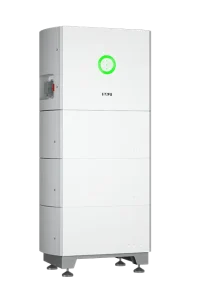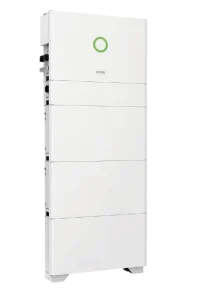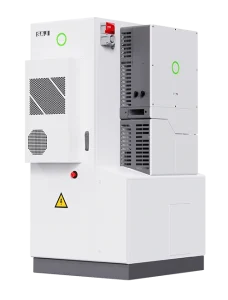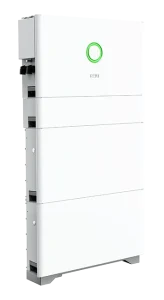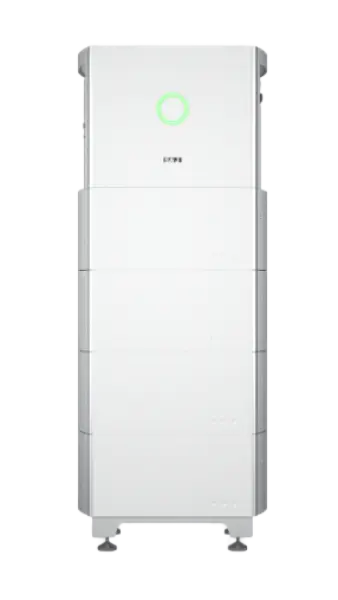

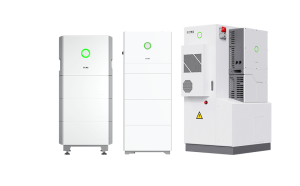
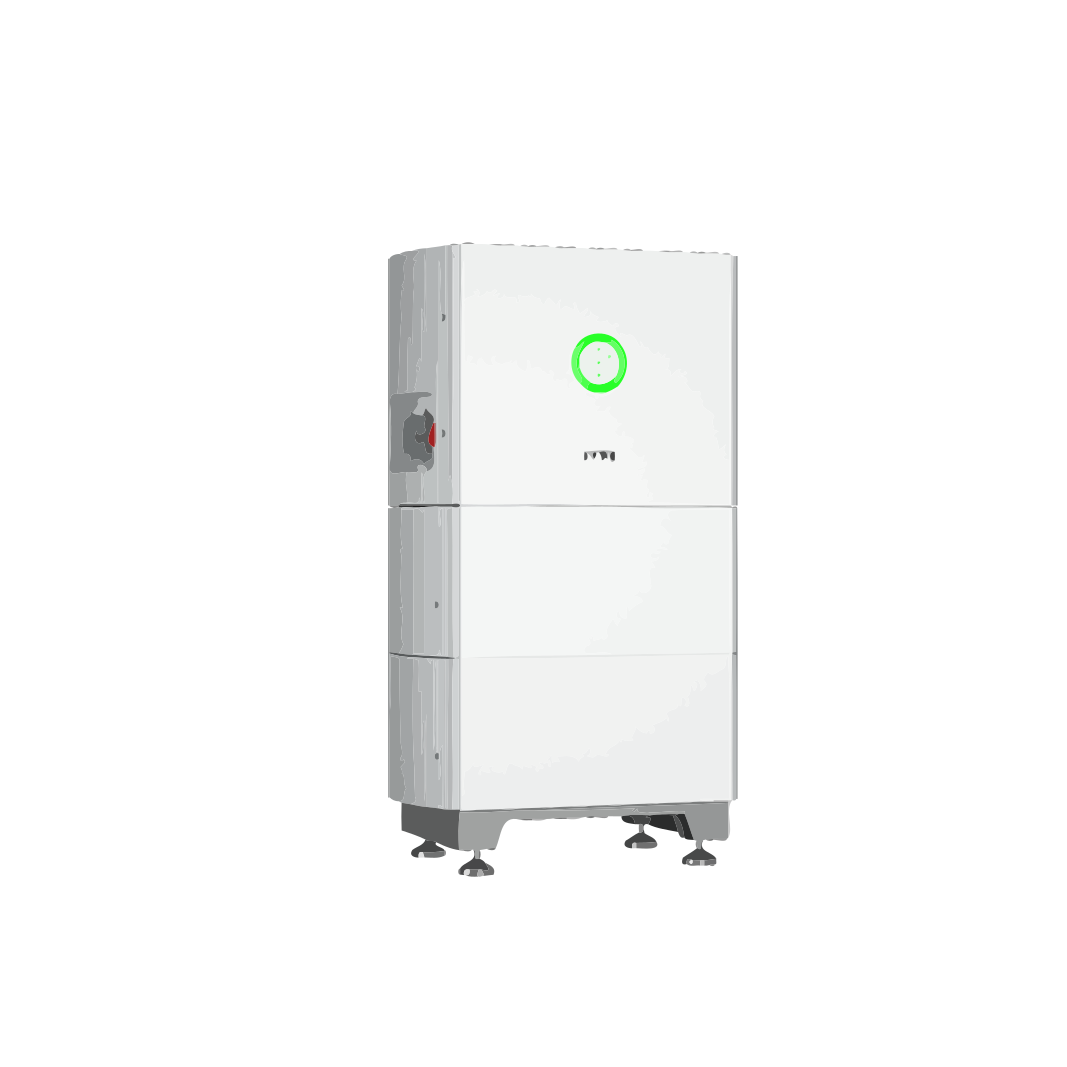
HS2-3k~6k 単相オールインワン蓄電システム
技術仕様
| 交流電源 | 3kW~6kW |
|---|---|
| インバータの種類 | オールインワン型ハイブリッドエネルギー貯蔵システム |
| MPP電圧範囲 | 90~500ボルト |
| MPPトラッカー | 2 |
| フェーズ | 1 |
| コミュニケーション | CAN、RS485、Wi-Fi、イーサネット、4G、DRM、Bluetooth |
| 1パッケージあたりの個数 | 1箱につき1個、パレットにつき8個 |
| 保証 | 10年 |
商品説明
SAJ HS2 3 – 6 kW All-in-One ESS (S2)
SAJ’s all-in-one residential energy storage system integrates a hybrid inverter, BMS and modular battery into a single IP65 outdoor unit.
~とともに 16 ストリング電流, <10 ms UPS backup and up to 20 kWh of storage, it offers a simple, quiet and powerful solution for maximising home energy independence.
デザイン
| インバータのサイズ(高さ×幅×奥行き) | 354 × 626 × 365 mm |
| バッテリー容量(5 kWhあたり) | 261 × 626 × 365 mm |
| 重量(インバーター/バッテリー) | 25 kg / 52.5 kg |
| 冷却 | 自然対流 < 35 dB |
| 添付資料 | アルミニウム、IP 65 |
PVおよびACの仕様
| 定格交流電力 | 3 / 3.6 / 4 / 4.6 / 5 / 6 kW |
| 最大太陽光発電出力 | 4.5 – 9 kW DC |
| MPPT / ストリング | 2 × 1 (90–500 V, 16 A ea.) |
| グリッド出力 | L+N+PE, 220/230/240 V |
| UPSバックアップ | 3 – 6 kVA, < 10 ms transfer |
| 最大効率 | 97.6 % |
| THD(系統) | < 3 % |
バッテリーの仕様
| 化学 | LiFePO4 (HV 85–450 V) |
| 容量 | 5 – 20 kWh (1 to 4 modules) |
| 充電/放電 | 最大30 A(全モデル) |
| 往復 η | Up to 96.6 % |
スマート機能
- 自家消費モード、時間帯別料金モード、バックアップモード
- スマートメーターによるゼロ輸出および動的制限
- 既存の太陽光発電システムへのAC改修
- オプションのAFCIおよび急速遮断(RSD)
- Bluetooth対応LCD + eSAJ Homeアプリ;Wi-Fi/イーサネット/4Gクラウド対応、およびOTAアップデート
安全・コンプライアンス
- DCスイッチ、タイプII SPD、RCMU、GFCI、DCI、および絶縁監視
- 能動型孤立運転防止、交流短絡および過負荷保護
- バッテリーの逆極性および過電圧に対する保護機能
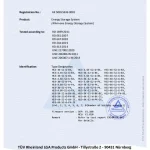
- IEC 62109、EN 50549、AS 4777.2、VDE-AR-N 4105、CEI 0-21 に準拠
設置・メンテナンス
- 床置きまたは壁掛けに対応したモジュール式設計
- すっきりとした迅速な設置を実現する内部配線
- eSAJ Homeアプリで数分で手数料を支払う
- SAJのグローバルサービスネットワーク
保証
| 標準カバー | 10年 |
製品動画ギャラリー
当社の製品デモやチュートリアルをご覧ください
HS2 ALL-IN-ONE Residential Energy Storage Solution Installation Guide (Single-Phase)
動画の読み込みに失敗しました
SAJ H2およびHS2シリーズの初期化設定 - 2024年9月
動画の読み込みに失敗しました
HS2シリーズが、これまでで最も人気のあるSAJ ALL-IN-ONE住宅用エネルギー貯蔵システムである理由を探ってみましょう
動画の読み込みに失敗しました
HS2に関する英語ウェビナー
動画の読み込みに失敗しました
SAJ Electricity Meter setting(H2/B2/HS2/R6/C6,etc)
動画の読み込みに失敗しました
SAJ Spotlight @GENERA: Smart Residential Energy Storage Solutions
動画の読み込みに失敗しました
活用 事例
この製品が、 さまざまな実生活での場面でどのように活用できるかをご覧ください
Home Studio: Quiet, Clean Power for Recording & Streaming
対象者: Creators who need steady, silent power for DAWs, audio interfaces, microphones, LED lights, and streaming gear—without pops, reboots, or fan noise.
Suggested backup map:
| Device | 標準出力 | バックアップ? | 注記 |
|---|---|---|---|
| Audio interface + preamps | 10–35 W | はい | Avoid USB reconnect mid-take |
| Studio PC / laptop | 120–300 W | はい | Protects DAW session from crash |
| Nearfield monitors (pair) | 40–120 W | Yes (mixing) | Mute during transfer test to avoid thumps |
| LED key/fill lights | 20–80 W | 任意 | Low surge, stable color temp |
| HVAC / heater / kettle | kW級 | いいえ | Keep off backup to avoid inrush |
Noise & grounding checklist:
- Place the ESS stack outside the live room (utility corner/closet).
- Run a single backup power strip for only studio gear to minimize ground loops.
- Separate audio and lighting cables; cross at 90° if they must meet.
- Do a 2-minute outage test; watch for pops, clicks, or USB reconnects.
Simple daily schedule (recording day):
09:00–17:30 PV → Studio + charge battery 17:30–22:00 Battery → PC, interface, monitors, LEDs Always Reserve SOC 25–30% for late sessions
Quick sizing hint (example only): A 10 kWh usable pack can support ~300–350 W of studio essentials for ≈24–28 hours total runtime (spread across sessions).
“A power blink used to ruin takes; now the meters don’t even twitch.” — Producer, home studio
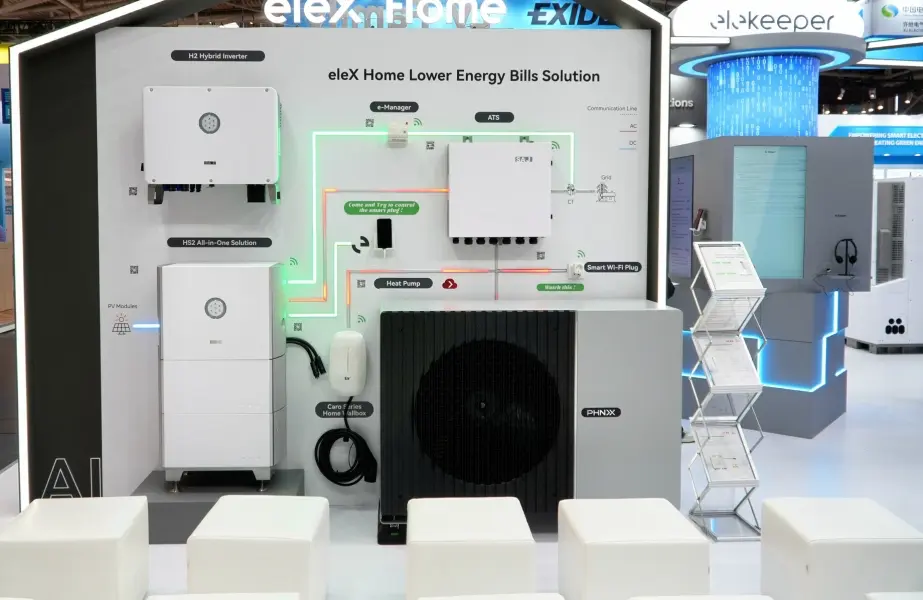
Urban Home Office: Quiet Backup for Work & Study
対象者: Apartments or townhouses that need silent, space-saving backup for laptops, Wi-Fi, lighting and a fridge during short grid issues.
Suggested backup pack (example):
| 読み込み | 電力 | Run time target |
|---|---|---|
| LED lighting (3–5 rooms) | 150–250 W | 4–6 h |
| Wi-Fi router + CCTV | 30~60 W | 24 h |
| Laptop / small PC | 60–120 W | 6–10 h |
| 冷蔵庫(インバーター式) | 平均90~150 W | 24 h (duty) |
3 quick steps:
- Move essential sockets to the バックアップ sub-circuit; label clearly.
- Set a reserve SOC (e.g., 25–30%) to keep evening buffer.
- Run a 2-minute outage test; confirm no flicker or device reboot.
Simple daily plan: Daytime: PV → Loads; surplus → Battery Evening peak: Battery → Lights/IT (18:00–22:00) Night buffer: Reserve SOC 25–30%
“Power dipped mid-call — laptop and Wi-Fi stayed up. Zero interruptions.”
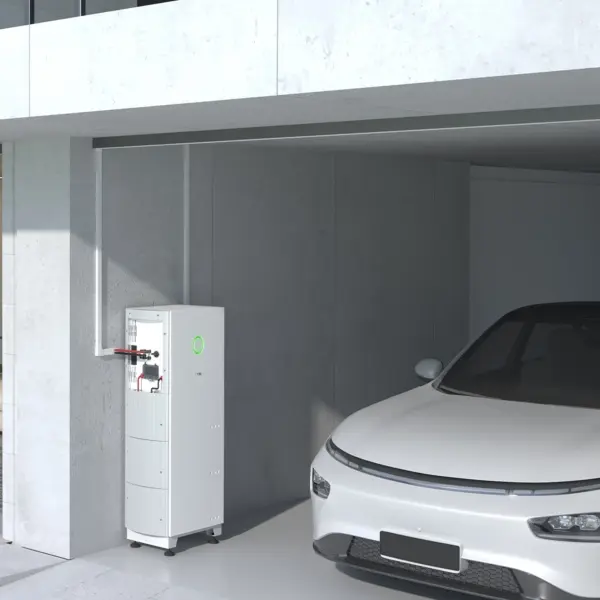
お客様との連携方法
お客様からの最初のお電話から最終的な納品に至るまで、プロセスをシンプルかつ分かりやすく進めます
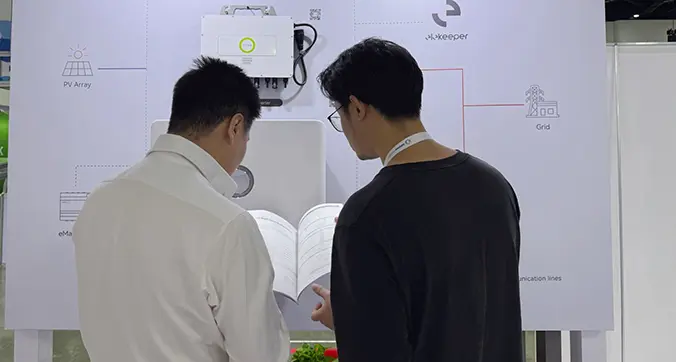
話し合いと計画
お客様のご要望をじっくりとお伺いし、お客様に最適なプランをご提案いたします。当社のチームが、あらゆる選択肢についてご理解いただけるようサポートいたします。.
「引用・同意」
隠れた費用は一切なく、明確な価格をご提示いたします。すべてにご納得いただけましたら、契約書に署名し、作業を開始いたします。.
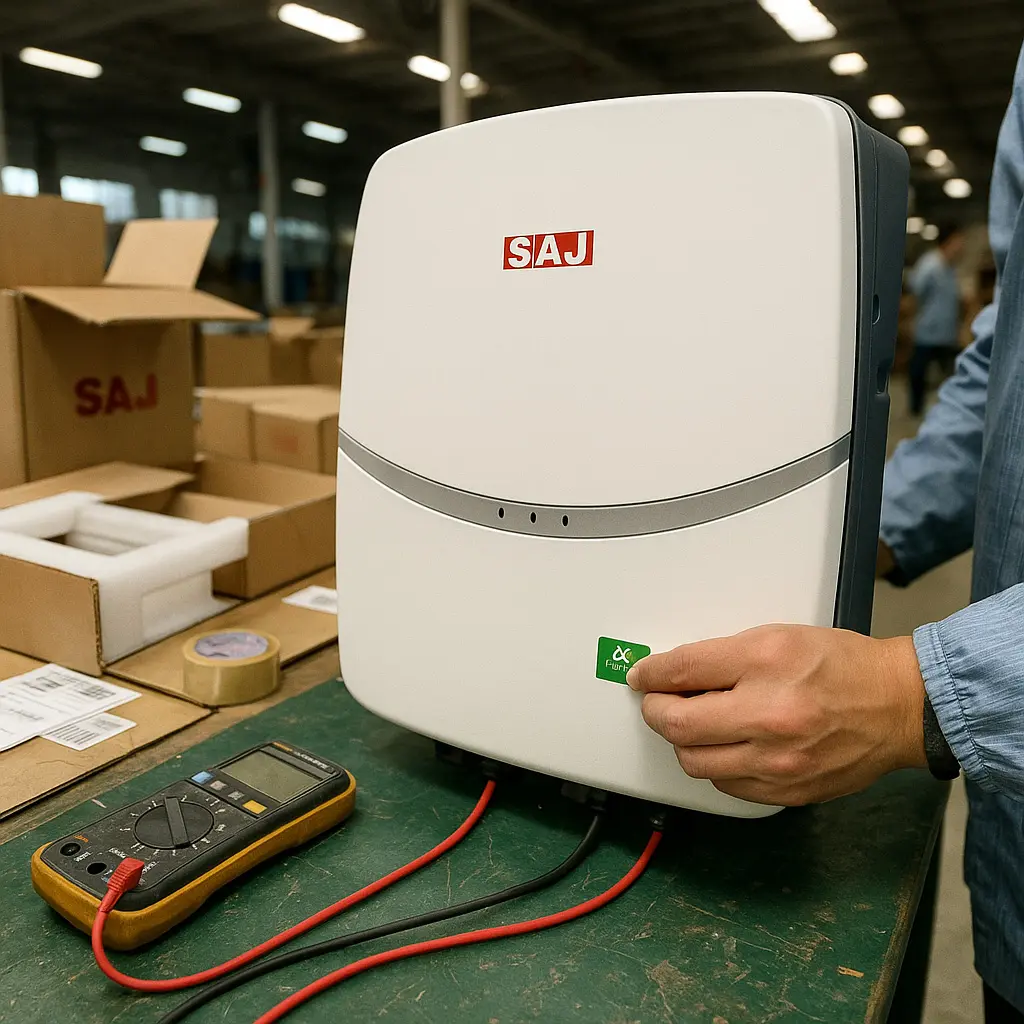
作成・確認
ご注文品は丁寧に製作し、すべてが当社の高い基準を満たしているかを確認いたします。進捗状況については、その都度詳しくお知らせいたします。.
配送・サポート
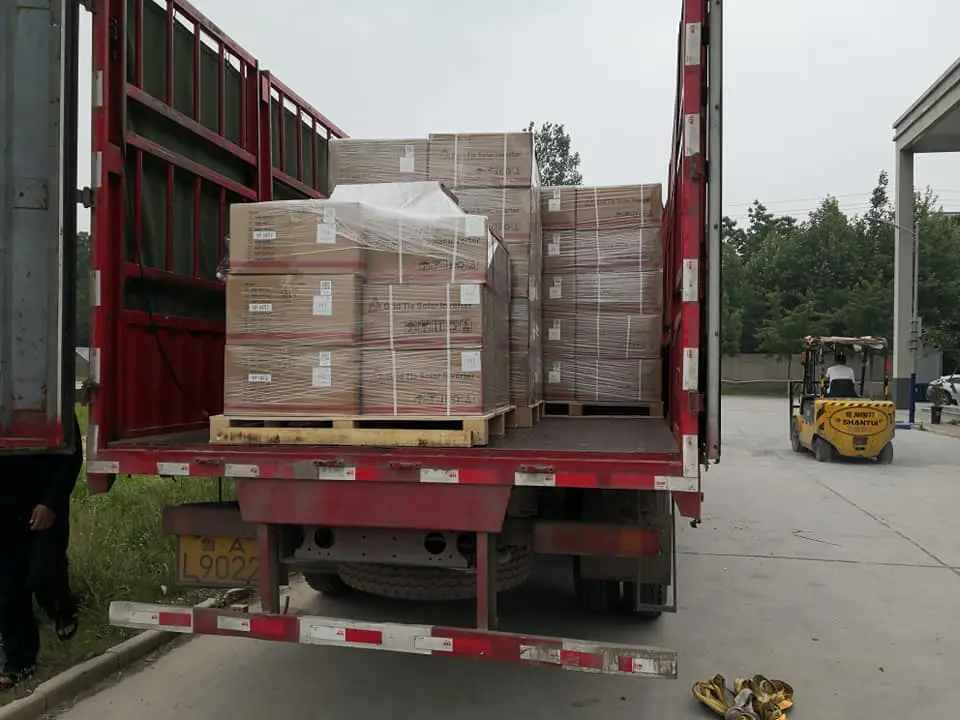
ご注文の商品は、安全かつ期日通りに配送されます。お届け後も何かご不明な点がございましたら、いつでもお気軽にご相談ください。.
よくある質問
当社の製品やサービスに関するよくある質問とその回答をご覧ください
What should I prepare on-site so installation is fast and clean?
目標: a one-visit install with tidy wiring and zero callbacks. Do these before your electrician arrives.
| Area | What to get ready |
|---|---|
| Mounting location | Flat wall or base stand; dry, ventilated utility space; clear cable path to DB and roof strings |
| Board planning | Decide which circuits move to バックアップ (lights/IT/fridge). Label backup vs non-backup in advance |
| Conduits & routing | Pre-run AC, PV, and battery conduits with pull lines; leave 15–20% spare space for future add-ons |
| Network | Wi-Fi SSID/password or Ethernet drop near the unit for app/portal access |
Pre-flight (5 steps):
- Mark drill holes with the template; verify vertical clearance for future battery additions.
- Stage connectors by circuit (PV / BAT / GRID / BACK-UP) to avoid cross-wiring.
- Print a one-page list of loads going to BACK-UP and tape it on the board.
- Prepare the router login; check signal at the install spot.
- Plan a 2-minute outage test for handover (evening or after business hours).
避けるべきよくある間違い:
- Putting high-inrush devices (OVEN/large compressor/EV charger) on BACK-UP.
- Routing PV and data cables in the same metal conduit without separation.
- No labels on backup sockets → users plug heavy tools there by accident.
“Site prepped like this cuts commissioning time by half.” — Installer note
What support does Sunriver Electric provide around HS2 projects (from quote to shipment)?
Focus: make procurement simple and predictable for installers and distributors — clear choices, clean docs, and transparent shipping info.
| ステージ | What you get | なぜ役立つのか |
|---|---|---|
| Model matching & quote | FOB pricing and model suggestions aligned to your load profile and roof layout | Speeds up decisions; avoids over/under-sizing |
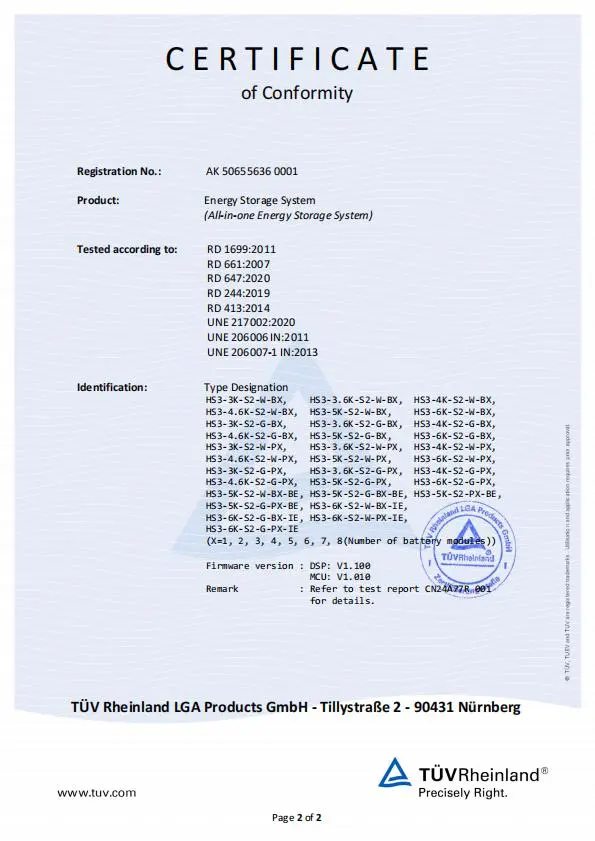
| ドキュメント一式 | Latest datasheet, Quick Guide, User Manual, and test certificates (digital PDFs) | Smooth utility filings and internal approvals |
| Pre-shipment checklist | Packing list with SNs, carton specs & gross weight; outer-box label sample; loading photos on request | Faster warehouse check-in; better traceability |
| After-shipping updates | Vessel/flight info and B/L or tracking number; exception alerts if delays occur | 進捗状況の可視化、現場スケジュールの策定が容易に |
ご要望に応じて:
- Simple wiring overview (for team briefing before installation)
- FAQ kit (backup branch planning, TOU examples, commissioning checklist)
- Certificate language packs (e.g., English/Spanish/Thai)
How to speed up your quote (send these 6 bullets):
- Site type and peak loads (home/shop/clinic; evening vs daytime)
- Roof plan (two MPPT splits, rough panel count if known)
- Target backup circuits (lights/IT/fridge etc.)
- Desired battery capacity (usable kWh) or runtime goal
- Country/grid standard for compliance docs
- Target ship week and destination port
お問い合わせ先: sales@sunriver-electric.com — reply with the six bullets above and we’ll return a clean, ready-to-use pack.
How do I design the backup circuit for everyday outages?
目標: keep essentials alive (lights, Wi-Fi, IT, fridge) without tripping on motor inrush. Put only steady loads on BACK-UP.
Example backup plan (for a typical home/shop):
| 読み込み | Approx. power | Run time goal | 注記 |
|---|---|---|---|
| LED lighting (3–5 rooms) | 150–250 W | 4–6 h | Low surge |
| ルーター+防犯カメラ | 30~60 W | 24 h | Continuity matters |
| Laptop / POS / small PC | 60–150 W | 6–10 h | Critical work |
| 冷蔵庫(インバーター式) | 平均90~150 W | 24 h (duty) | 食品の安全性 |
- Move essential circuits to BACK-UP terminals; label the sub-board.
- 予備のSOC(例:25–30%)を設定し、夕方の停電時にも対応できるようにする。.
- Do a 2-minute grid-off test; confirm no device reboots or flicker.
What’s the fastest commissioning path on day one?
- Mount the base + inverter enclosure; keep clearances for ventilation and cable glands.
- Wire AC GRID and BACK-UP to the board; land PV strings to the two MPPT inputs; connect the battery harness.
- Power up DC/AC → open the mobile app → bind device by SN via Bluetooth.
- Select country/grid profile; pick working mode (Self-Use / TOU / Backup) and set reserve SOC.
- Join Wi-Fi/Ethernet/4G for remote access; create the plant for the owner; check live power flow.
5分間の引継ぎチェックリスト:
- Screenshots of final settings (grid profile, reserve SOC, schedules)
- One grid-off test recorded in the app
- Labels on BACK-UP vs non-backup circuits
How do I expand battery capacity later without headaches?
Plan for growth: start with what the client needs now (e.g., 10 kWh usable) and add modules as evening use grows.
Expansion workflow (summary):
- Schedule downtime; power down per manual; isolate AC and PV/DC.
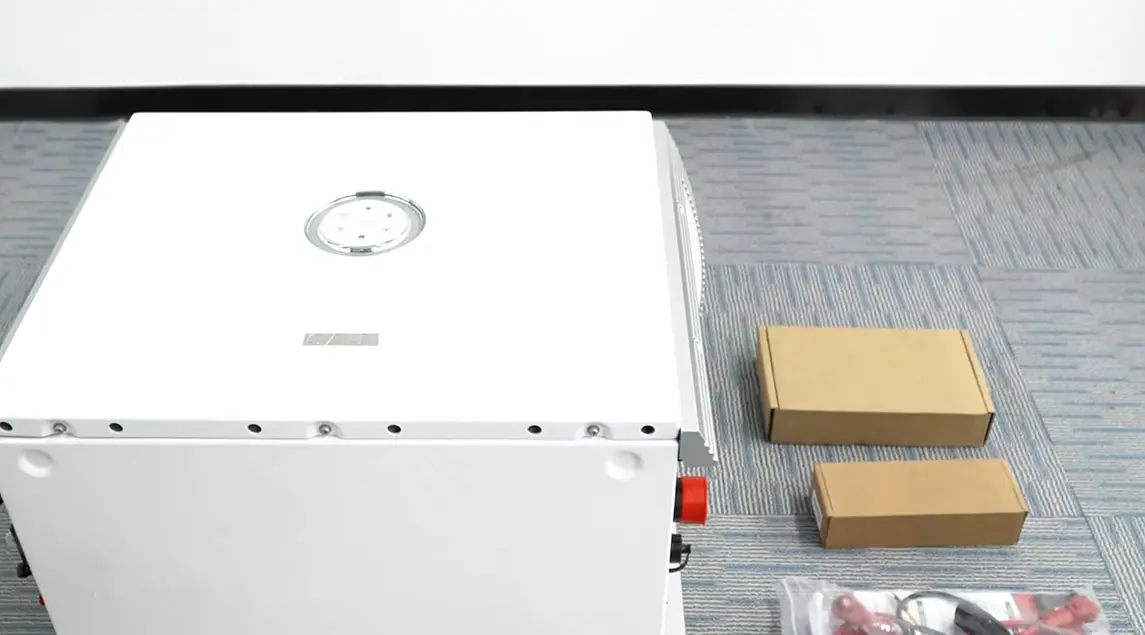
- Add the new battery module(s) to the stack; follow the alignment & fastening steps.
- Reconnect harnesses; power up; in the app, confirm the new total capacity.
- Run a short charge/discharge to ensure modules report correctly.
Good practice: install modules from the same series and keep SOCs close (±5–10%) before coupling, to minimize balancing time.
What can I see in the app, and how does it help owners and O&M?
Daily actions (simple):
- Switch modes: Self-Use / Backup / Time-of-Use
- Set reserve SOC (e.g., 25–30%) to protect evening hours
- Adjust TOU windows when seasons change
- Share viewer access with the homeowner or store manager
- Apply firmware updates without a site visit
Reporting: download monthly energy and savings summaries; useful for utility audits and O&M reviews.
関連商品
あなたに興味がありそうな類似商品をご覧ください
この製品についてお話しませんか?
価格や在庫状況から、技術仕様やプロジェクト計画に至るまで、ご要望をお聞かせください。 当社の製品チームが24時間以内にご返信いたします。.
- お客様に合わせたお見積もりと納期をご依頼ください
- 技術サポートおよび互換性チェックを受ける
- 製品資料や事例紹介を受け取る
ありがとうございます!お問い合わせを受け取りました。.
当社の製品スペシャリストが24時間以内にご連絡いたします。詳細な「お礼」ページが新しいタブで開きました。.