

Documents and answers, before the site visit.
You're about to quote a system, commission an install, or fill a tender. Every document you need — one page, no login.
Every Sunriver inverter file. One page.
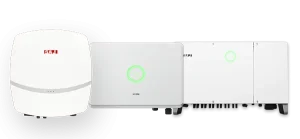
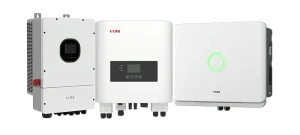
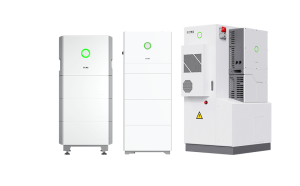
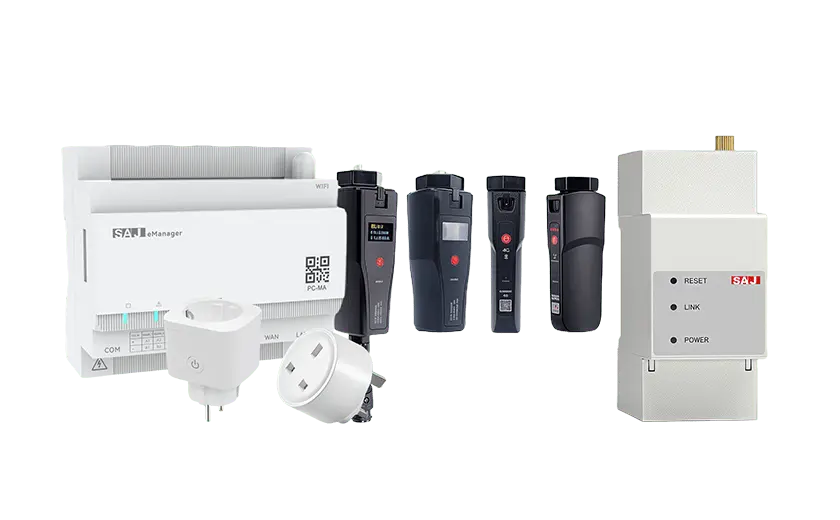
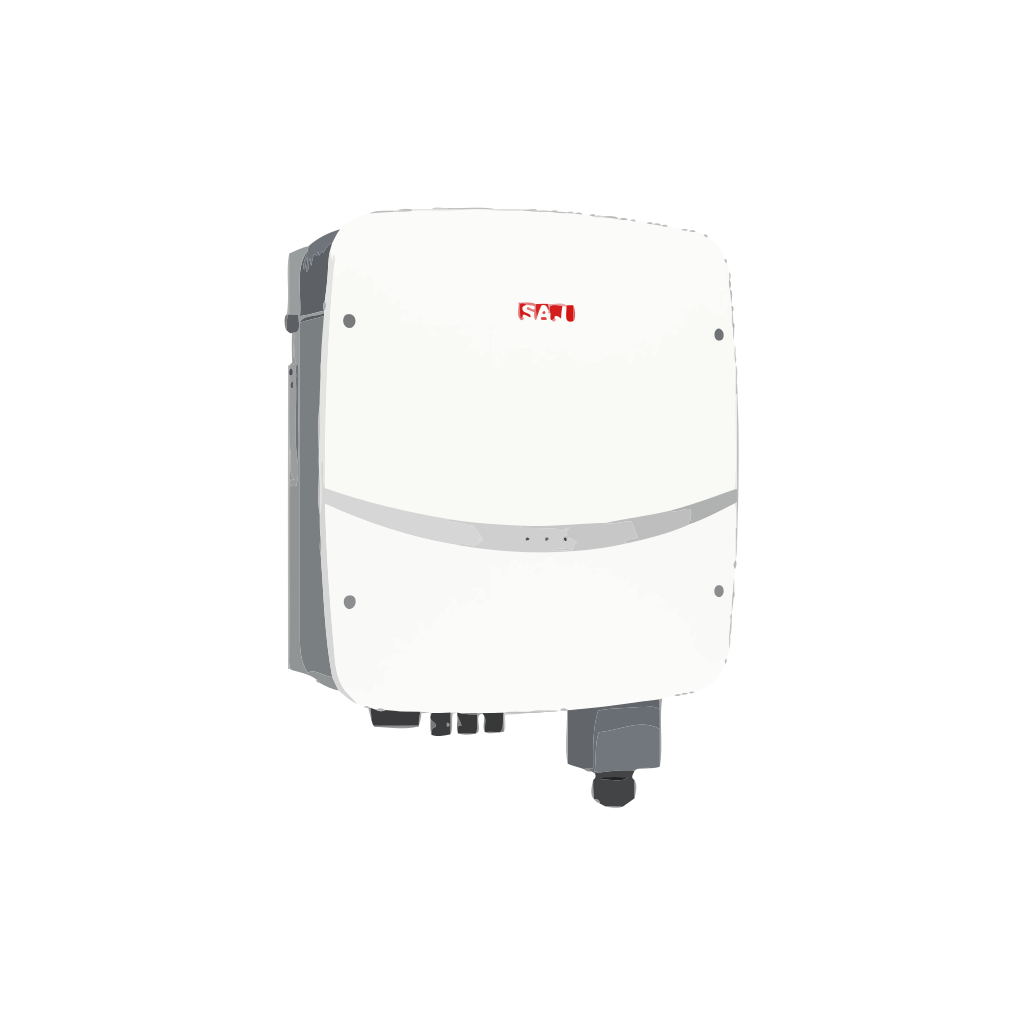
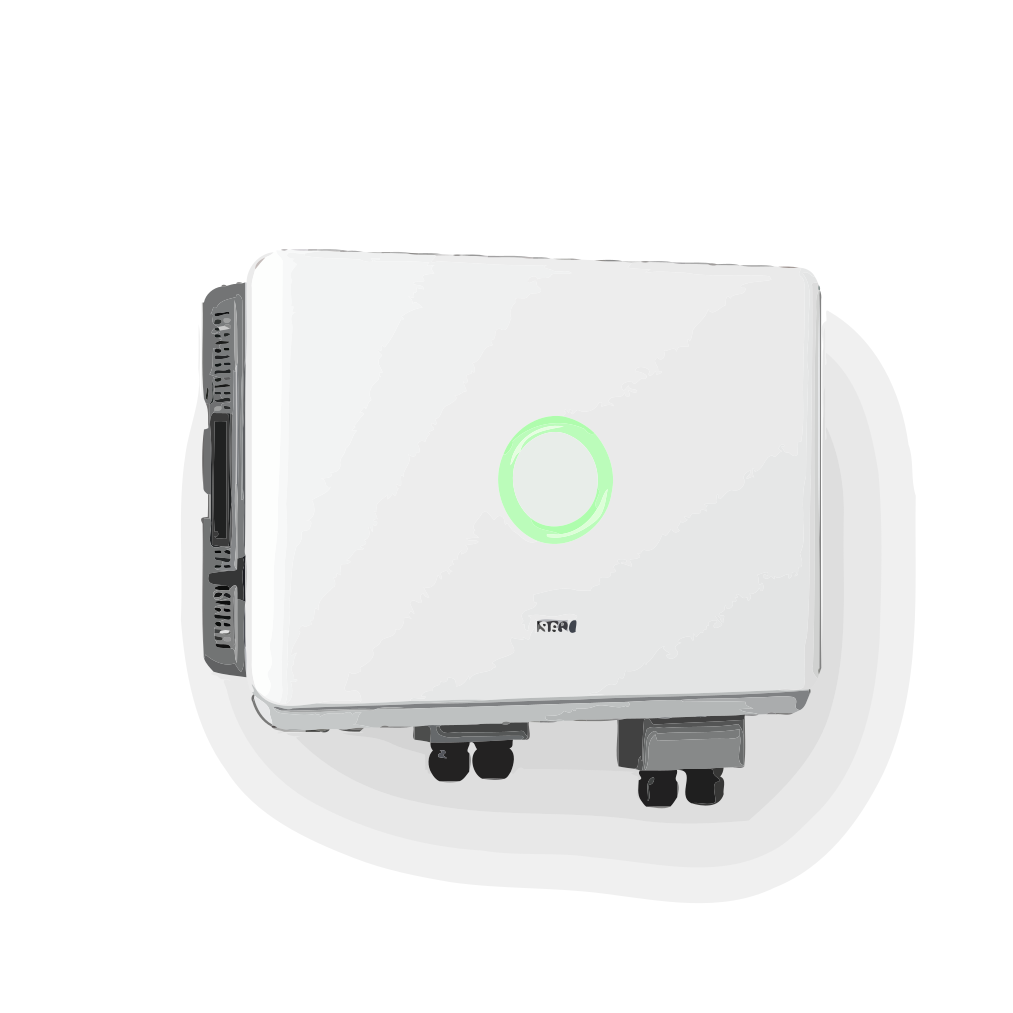
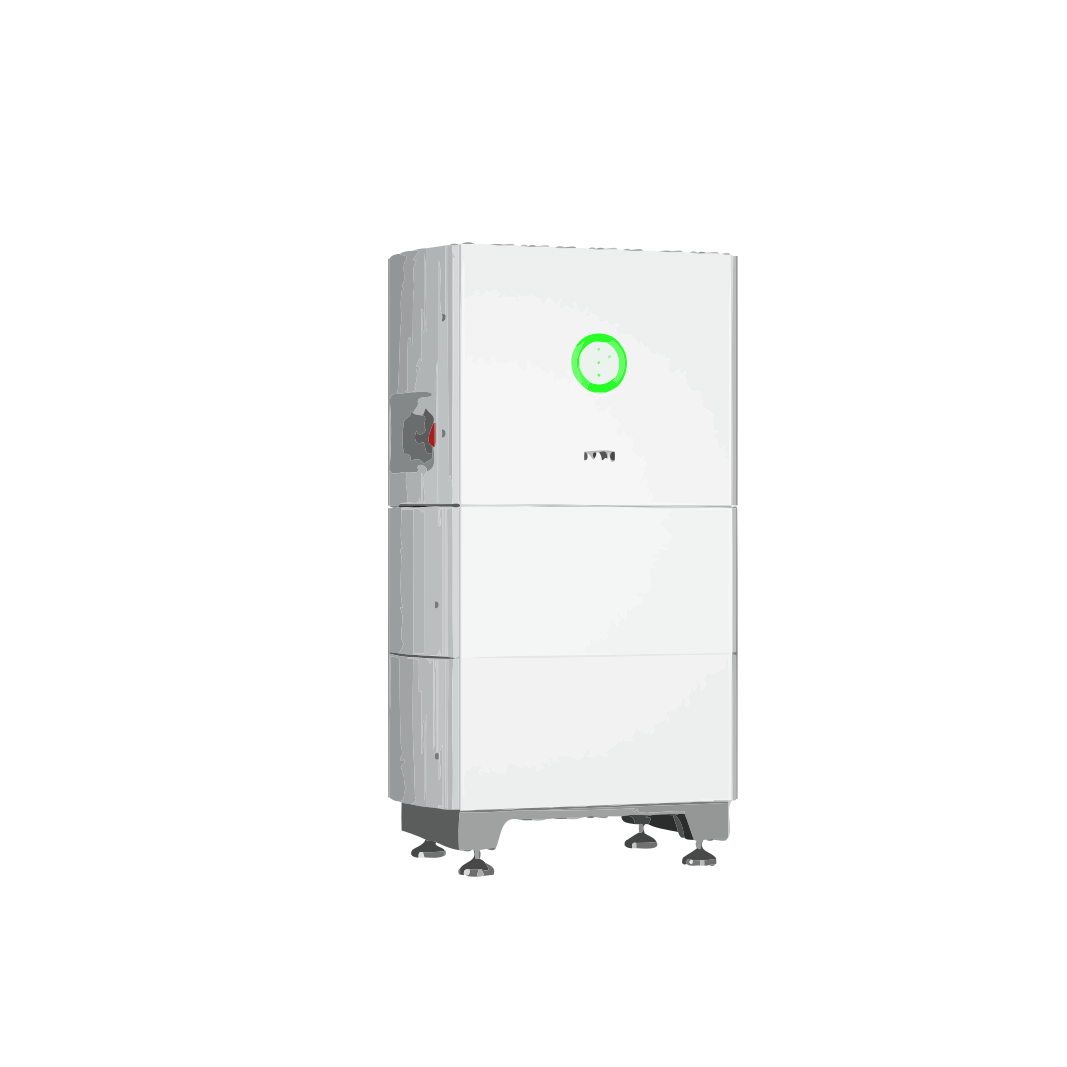
SAJ R5, R6, C6, H1, H2, HS2, HS3, CHS2, eSolar, eManager, and smart accessory datasheets, manuals, quick guides, and configuration references.
Product Selection & Specification 6
How Sunriver packages PV + storage
The decision between a hybrid inverter and an all-in-one ESS affects installation complexity, expandability, and the installer skill profile required. Understanding the trade-off helps you choose the right architecture before the first component is ordered.
| Factor | Hybrid Inverter + Battery | All-in-One ESS |
|---|---|---|
| Architecture | Separate inverter and battery units | Integrated inverter + battery in a single enclosure |
| Install footprint | Larger — two or more wall-mounted units | Compact — single enclosure |
| Expandability | Add battery modules over time; inverter rated for future growth | Limited by integrated design; may require a second unit to expand |
| Typical use case | Flexible residential and commercial projects with evolving needs | Space-constrained retrofits and fast-deployment residential |
| Sunriver examples | H1 / H2 / H2 LV hybrid inverters + compatible SAJ battery systems | HS2, HS3, and CHS2 |
When to choose which
- Choose a hybrid inverter + separate battery when your project may grow — more storage, more PV, or expanding to cover additional loads. The modular architecture means you add capacity without replacing the core inverter.
- Choose an all-in-one ESS when installation speed and physical footprint are the primary constraints — retrofit garages, apartments with limited utility space, or projects where the installer wants a pre-integrated unit from a single supplier.
Start from your site, not from a product catalog. Send Sunriver the installation constraints — wall space, load profile, expansion plan — and we'll map the right architecture before you commit to hardware.
Product-to-application mapping
| Deployment scenario | Recommended product family | Why |
|---|---|---|
| Residential new-build with solar | Hybrid inverter (H1 / H2 single-phase) + battery (compatible SAJ battery systems) | Flexible expandability; standard installer toolchain |
| Residential retrofit with existing PV | All-in-One ESS (HS2 or HS3) or AC-coupled hybrid inverter | Pre-integrated; reduces re-wiring scope |
| Small commercial (<50 kW load) | Hybrid inverter (H2 three-phase) + compatible SAJ battery systems | Three-phase balanced loads; peak-shaving capable |
| Large commercial / industrial | Hybrid inverter (H2 three-phase / CHS2) + compatible SAJ battery systems + EMS integration | High-power demand management; BMS/SCADA integration |
Selection principles
- Start from the site, not the catalog. Load profile, grid capacity, and backup requirements determine the family.
- Single-phase vs. three-phase is determined by the site power supply, not product preference.
Uncertain? Send the site brief. Sunriver maps the product family from your load data, grid constraints, and expansion plan — at no cost and with no purchase commitment.
Sunriver battery chemistry and architecture
All Sunriver battery storage systems use lithium iron phosphate (LiFePO4 / LFP) chemistry. This is a deliberate engineering decision, not a cost decision.
| Factor | LiFePO4 (Sunriver) | NMC / NCA (alternatives) |
|---|---|---|
| Thermal stability | High — thermal runaway threshold above 270°C | Lower — thermal runaway threshold ~150–200°C |
| Cycle life | 6,000+ cycles at 80% DOD | Typically 3,000–5,000 cycles |
| Safety profile | No oxygen release during decomposition; lower fire risk | Oxygen release during thermal runaway; higher fire risk |
| Residential suitability | Excellent — safer for indoor / garage installation | Requires additional thermal management and clearance |
Why LFP matters
- Indoor installation confidence. When the battery lives inside a home or occupied commercial building, thermal stability is the primary safety variable.
- Longer system life. A battery that cycles 6,000+ times before reaching 80% capacity supports a 10–15 year project lifespan without mid-life replacement.
LiFePO4 is the only chemistry Sunriver ships. No mixed-chemistry catalog. One chemistry, one safety standard, one supply chain.
The decision starts at the site connection, not the catalog
| Factor | Single-phase | Three-phase |
|---|---|---|
| Typical site supply | Residential; small commercial (<30 kW) | Commercial; industrial; multi-unit residential |
| Inverter power range | 3–6 kW (H1 / H2 single-phase) | 8–20 kW (H2 three-phase) |
| SAJ inverter and storage products distributed by Sunriver | H1 / H2 single-phase; HS2, HS3 | H2 three-phase; HS3 three-phase or CHS2 |
Decision checklist
- Check the site's incoming supply first. Most residential is single-phase. Most commercial is three-phase. Don't guess.
- If unsure, send the site's single-line diagram. Sunriver confirms the phase configuration before recommending hardware.
Don't pick the inverter phase configuration before you know the grid connection. That's the fastest way to a redesign.
The application-first method
| Approach | What happens | Risk |
|---|---|---|
| Product-first | Browse inverters → choose a model → check if it fits the site | You may pick an under-powered or mis-matched product |
| Application-first | Define the site scenario → Sunriver maps the right product family → confirm model | The product fits because the site defined it |
When each approach works
- Product-first is fine when you already know your load profile, grid type, battery capacity, and expansion plan, and you're validating a specific model.
- Application-first is better when any of those variables is still open — which describes most first-time buyers, project developers writing an initial brief, and installers quoting a customer who hasn't finalised the load schedule.
Start with the application path if the project condition is not locked. Product pages help after you know whether this is residential or commercial storage.
Capacity sizing starts with consumption, not averages
| Project type | Typical starting capacity | Why |
|---|---|---|
| Residential self-consumption (no backup) | 5–10 kWh | Covers evening loads from daytime solar |
| Residential with critical-load backup | 10–15 kWh | Powers refrigeration, lighting, communications |
| Residential whole-home backup | 15–25+ kWh | Covers heating/cooling, EV charging, full household loads |
| Small commercial peak-shaving | 20–50 kWh | Reduces demand charges; sized to peak demand windows |
| Large commercial / C&I | 50+ kWh | Multi-unit stacks; coordinated with EMS and load scheduling |
Sizing principles
- Size for today. Document the future. If EV charging or a heat pump is coming, the expansion path should be visible without forcing a larger first install.
- Backup coverage is a spectrum, not a switch. Critical loads first — identify those circuits, then decide how much wider coverage should be.
Send your load profile and backup requirements. Sunriver sizes the battery from data, not averages.
Installation & Commissioning 5
The installer data checklist
Starting a system design without the right site data forces rework later. Sunriver has identified the minimum data set that lets an engineering conversation begin immediately.
| Data category | What to send | Why it matters |
|---|---|---|
| Project type | Residential or commercial; new-build or retrofit | Determines product architecture path |
| Load profile | 12-month interval data, peak-demand windows, critical-load list | Sizes the battery and inverter correctly |
| Grid connection | Connection capacity, phase configuration, export limits | Confirms inverter phase and grid-code requirements |
| Existing PV | System size, inverter model, age, wiring configuration | Determines AC-coupling vs. DC-coupled path for retrofits |
| Site constraints | Wall space, indoor/outdoor, ventilation, access | Affects product selection and installation feasibility |
| Timeline | Target install date, project phase, commissioning window | Aligns production scheduling and logistics |
Send this once. Sunriver maps the full system from one data set, not five supplier intake forms.
The single question that changes everything
| Path | Definition | What it changes |
|---|---|---|
| New-build | PV + storage planned and installed together | Full DC-coupled system design; inverter sized for both PV and battery from the start |
| Retrofit | Storage added to existing operating PV system | AC-coupling path may apply; existing inverter compatibility must be verified; wiring scope changes |
If PV and storage are planned together — even on an existing building — follow the new-build path. A retrofit is specifically about adding storage to operating solar.
It depends on the inverter, the wiring, and the project scope
| Variable | What Sunriver checks | Potential outcome |
|---|---|---|
| Inverter model and age | Is the existing inverter battery-ready? Does it have a battery input port? | If yes, DC-coupled storage may work. If no, AC-coupled path or inverter replacement required. |
| Wiring configuration | How is the PV system wired? Space in the existing distribution board? | May require new sub-board, additional cabling, or a separate battery inverter. |
| Project goal | Is the goal backup, self-consumption, or both? | Backup requires an EPS/UPS-capable inverter; self-consumption-only has fewer hardware demands. |
An AC-coupled path may work even if the inverter is not battery-ready. Not every retrofit requires a full inverter replacement. But not every inverter supports it either.
Commissioning support — before, during, and after the install window
| Phase | What Sunriver provides | Format |
|---|---|---|
| Pre-commissioning | System-specific checklist covering all components in the BOM | PDF checklist + optional remote review |
| On-site support | Technical support availability during the install window | Phone / video / remote access |
| Acceptance testing | Unified acceptance protocol covering inverter, battery, and monitoring | Combined sign-off document |
| Post-commissioning | System performance baseline captured; monitoring configured | Dashboard access + performance report |
Acceptance checklist
- Inverter commissioning. Grid connection, PV input, battery charge/discharge cycle confirmed.
- Battery stack validation. All modules communicating, state-of-charge balanced, temperature sensors operational.
- Monitoring connectivity. Gateway online, data flowing to dashboard, remote firmware update capability confirmed.
- System acceptance sign-off. One document, one signature — all components verified together.
Three-phase installation — what changes
| Factor | Single-phase | Three-phase |
|---|---|---|
| Power classes | 3–6 kW (H1 / H2 single-phase) | 8–20 kW (H2 three-phase) |
| Metering | Single-phase meter or CT | Three-phase meter required; measures import/export per phase |
| Load balancing | Not applicable | Critical — unbalanced phases trigger grid-code violations |
| Commissioning | Standard single-phase checks | Additional phase-balance verification and export-limit testing |
Three-phase commissioning adds phase-balance checks, not complexity. The additional steps are verification, not new skills. The Sunriver commissioning checklist covers both in one document.
Monitoring & Connectivity 5
Single dashboard, unified fleet
All Sunriver inverters, batteries, and all-in-one ESS units connect to a single monitoring platform. No separate dashboards for different product families, no multiple login credentials.
| Feature | What it does | Access |
|---|---|---|
| Real-time system view | Live PV production, battery SOC, grid import/export, load consumption | Web dashboard or mobile app |
| Fleet-level overview | Aggregate view across all projects — filter by site, region, or system type | Web dashboard |
| Alerting & notifications | Configurable thresholds for performance deviation, fault detection, communication loss | Email, SMS, or app push |
| Remote firmware updates | Over-the-air updates for inverters, batteries, and gateways — no site visit | Initiated from dashboard |
| Performance reports | Monthly and annual reports with energy yield and degradation tracking | Auto-generated PDF or CSV export |
One monitoring platform for every Sunriver product. One login, one dashboard, one data model.
One dashboard for your entire deployed fleet
| Fleet feature | What you see | Why it matters |
|---|---|---|
| Site list | All commissioned systems — sort by name, region, or system type | Jump to any site in one click |
| Aggregate performance | Total energy production, battery throughput, fleet availability | Monthly reporting without manual data collection |
| Alert dashboard | Active and recent alerts — filter by severity, type, or site | Identify sites needing attention before customers call |
| Firmware overview | Installed firmware versions across all inverters and batteries | Plan firmware update campaigns without visiting each site |
Fleet-level monitoring turns every installed system into a managed asset, not an isolated service call waiting to happen.
Three connectivity paths
| Connectivity | How it works | Best for |
|---|---|---|
| Wi-Fi | Gateway connects to site's 2.4 GHz Wi-Fi network | Most residential and small commercial installations |
| 4G | Integrated cellular modem with pre-provisioned SIM card | Sites without reliable Wi-Fi; remote or rural installations |
| Ethernet | Wired LAN connection to site's network infrastructure | Commercial sites with managed network infrastructure |
Setup process
- Insert the monitoring gateway into the inverter or battery communication port.
- Connect to the gateway's hotspot from a mobile device.
- Open the SAJ eSolar monitoring app and navigate to gateway configuration.
- Select site network type and enter credentials if required.
- Wait for the connection LED to go solid — typically under 60 seconds.
The connectivity path is configured at commissioning. If the site network changes later, the gateway can be reconfigured remotely — no site visit needed.
BMS and SCADA integration — yes, with upfront scope definition
| Integration requirement | What Sunriver needs |
|---|---|
| Protocol definition | Modbus TCP/RTU, CAN, or REST API — which protocol? |
| Data point list | Which signals? PV power, battery SOC, import/export, alarms? |
| Control boundary | Read-only monitoring or dispatch-controlled? |
| Network architecture | Same LAN/VLAN as the BMS? VPN requirements? |
Integration is protocol work, not product work. If the data points, protocol, and control boundary are defined upfront, integration is a configuration exercise — not a custom development project.
The installer handoff package
| Handoff item | What it contains | Source |
|---|---|---|
| System single-line diagram | Electrical architecture — PV, inverter, battery, grid, backup | Generated during system design |
| Component list (BOM) | Every item in the shipment — model numbers, quantities, serials | Delivery manifest |
| Backup load schedule | Which circuits on backup; which shed during outage | Defined during project scoping |
| Commissioning checklist | Pre-energization checks, inverter config, battery validation, monitoring verification | Sunriver commissioning document |
Enough to start the installer conversation without clarification calls. The handoff package is a paper trail, not a phone-tree.
Compatibility & System Design 5
Pre-validated design assets — no field-trial-and-error
| Design asset | What it covers | Format |
|---|---|---|
| Compatibility matrix | Verified inverter-to-battery pairings; communication protocol per pairing | PDF + online reference |
| Single-line diagram templates | Electrical architecture templates — PV, inverter, battery, grid, backup | Editable PDF / DWG |
| Communication protocol docs | CAN/RS485 pinouts, Modbus register maps, monitoring integration specs | |
| Grid-code configuration ref | Per-country inverter parameter settings — voltage, frequency, export limits |
All configurations are pre-validated. The compatibility matrix is confirmed in Sunriver's lab before it appears in your design documentation. No trial-and-error needed in the field.
Sunriver compatibility — native pairing, not third-party bridging
| Product family | Compatible with | Communication |
|---|---|---|
| Hybrid Inverters (single-phase) | All Sunriver LFP battery storage (compatible SAJ battery systems) | CAN / RS485 — native |
| Hybrid Inverters (three-phase) | All Sunriver LFP battery storage (compatible SAJ battery systems) | CAN / RS485 — native |
| All-in-One ESS | Self-contained; no external pairing | Wi-Fi or 4G monitoring endpoint |
| Monitoring & Accessories | All Sunriver inverters and batteries | Wi-Fi / 4G / Ethernet — unified dashboard |
Native SAJ-to-SAJ pairing is always verified. Third-party pairings require a protocol compatibility review.
Documentation access — no purchase order required
| Document type | What it covers | When available |
|---|---|---|
| Product datasheets | Technical specs, efficiency curves, operating temp ranges, dimensions | Immediately — online and PDF |
| Installation manuals | Mounting, wiring, commissioning, configuration instructions per product family | Immediately — online and PDF |
| Compatibility matrices | Verified inverter-battery pairings, comm protocols, firmware requirements | During feasibility assessment |
| Warranty terms | Coverage duration, conditions, exclusions, claim procedures | Before procurement commitment |
| Compliance certificates | CE, UKCA, grid-code, regional certification documentation | As applicable per project region |
No purchase order required for documentation access. All datasheets, manuals, and compatibility data are available for review before any financial commitment.
Component integration — what's verified, what's conditional
| Component type | Customer-supplied? | Conditions |
|---|---|---|
| PV panels | Yes — standard DC input | Must operate within inverter's MPPT voltage and current range |
| Cables / connectors | Yes — spec review | Must meet Sunriver interface specs and local electrical code |
| External metering (CTs) | Yes — spec review | Must match Sunriver-specified CT ratio and accuracy class |
| Communication modules | Conditional | Subject to protocol compatibility review |
| BMS / control electronics | No | Core safety architecture — Sunriver-validated only |
Core safety systems remain Sunriver-validated. Introducing external components into the battery management or safety chain creates certification risk.
The three-mode architecture
| Mode | What it does | When it activates |
|---|---|---|
| Self-consumption | PV powers the load; excess charges the battery | Default — whenever PV production exceeds load |
| Time-of-use / peak-shaving | Battery discharges to avoid importing grid power during expensive periods | Scheduled or triggered by demand threshold |
| Backup / EPS | Battery powers critical loads during grid outage | Automatic — <20 ms switchover |
| Grid export | Excess PV or battery energy exported to the grid | When permitted by local regulation |
Configuration principles
- Define the project's priority order. Self-consumption, backup, or demand-charge reduction? The inverter's work mode follows this priority.
- Grid-code compliance is per-country. Inverter must be configured with correct voltage limits, frequency ranges, export ramp rates, and reactive power settings.
One inverter runs all three modes concurrently. The configuration determines which mode takes priority — not which product you bought.
Warranty, RMA & After-Sales 6
Single-source warranty — no multi-supplier fragmentation
| Warranty dimension | Sunriver single-source | Multi-vendor typical |
|---|---|---|
| Claims contact | One escalation path | 3–5 separate supplier portals |
| RMA timeline | Coordinated across all affected components | Independent timelines; potential gaps |
| Fault diagnosis | System-level analysis — not component finger-pointing | Each supplier tests their component in isolation |
| Replacement coordination | One logistics chain, one delivery window | Multiple shipments, staggered arrival dates |
Single escalation path. One warranty claim, one owner, one response timeline. No multi-vendor finger-pointing when a system-level issue arises.
How to raise and resolve a warranty claim
- Submit the claim through a single escalation contact. Provide serial number, installation date, system configuration, and issue description.
- Remote triage. Sunriver accesses monitoring data for initial diagnostics. This step may resolve the issue without hardware replacement.
- RMA authorization. If hardware replacement is required, authorization is issued based on warranty documentation already on file.
- Replacement logistics. Replacement hardware ships within the agreed window. Multiple affected components are coordinated as a single shipment.
- Post-replacement verification. System performance confirmed through the monitoring platform before the claim is closed.
Warranty documentation is pre-filed. No searching for serial numbers or purchase dates. The monitoring platform maintains the system record.
Remote-first diagnostics — before the van rolls
| Customer reports | What the platform tells you | Possible resolution |
|---|---|---|
| System not producing | PV input, inverter status, grid connection, event log | May be grid trip, firmware glitch, or shading |
| Battery not charging | Battery SOC, charge/discharge settings, grid-connection status | May be configuration or grid-code limitation |
| App not showing data | Gateway connection, Wi-Fi signal, data upload logs | Router change, ISP issue, or gateway reboot needed |
SAJ eSolar monitoring provides remote diagnostic visibility before a site visit. The warranty covers the hardware. Sunriver support works with the installer — not around them.
Expandable systems, independent warranty coverage
| Scenario | Warranty effect |
|---|---|
| Install 2 modules today, add 2 next year | Today's modules: warranty starts today. Next year's: warranty starts at their commissioning date. No reset on originals. |
| Replace a failed module under warranty | Replacement carries remaining warranty of original — or minimum replacement warranty per warranty card. |
| Expand system during active warranty | Original installation's warranty continues uninterrupted. New modules added as separate covered assets. |
Stacking modules later does not reset coverage on earlier units. Each module is a separate covered asset with its own warranty clock.
Project-scale RMA — minimum downtime
- Single escalation contact. One contact handles the entire claim — inverter, battery, or monitoring related.
- Remote triage first. Monitoring data accessed for initial diagnostics before any site visit.
- RMA authorization. Warranty documentation pre-filed — no re-submission of procurement records needed.
- Coordinated replacement logistics. Multiple affected components ship as one coordinated delivery.
- Post-replacement verification. System performance confirmed through monitoring platform before RMA closed.
One escalation contact for the entire system. Single-supplier accountability means no gap between 'the inverter company says it's the battery' and 'the battery company says it's the BMS.'
Tiered support — your brand owns the customer relationship
| Tier | Relationship | What it covers |
|---|---|---|
| Tier 1 | Your brand → Your customer | First-line support, installation guidance, basic troubleshooting |
| Tier 2 | Sunriver → Your brand | Technical diagnostics, warranty claims, replacement coordination, firmware support |
| Tier 3 | Sunriver engineering → Tier 2 | Root cause analysis, product evolution, firmware development, certification updates |
Your brand owns the customer relationship. Sunriver supports you from Tier 2 — technical diagnostics, warranty, replacement logistics — but never bypasses you to go direct to the end customer.
Ordering, Lead Times & Partnership 5
Partner evaluation is role-based, not volume-based
| Partner role | What Sunriver evaluates | Typical next step |
|---|---|---|
| Installer | Relevant electrical cert; existing solar/storage installation experience; target market | Product documentation and evaluation unit access |
| Distributor | Established installer network; regional coverage; warehousing capability; forecast | Volume planning and territory review |
| Project developer | Active project pipeline; engineering capability; financing track record | System design review and documentation package |
| OEM partner | Product spec or platform selection; target market and volume forecast; cert requirements | Specification review and partnership agreement |
Partners are evaluated on their role in the energy value chain — not on minimum order volume. Every applicant gets a response during the inquiry response.
MOQ scales with your product path and business phase
| Product platform | Typical starting quantity | Notes |
|---|---|---|
| Hybrid inverters | Starts at sample/evaluation units (single unit) for qualified partners | Volume orders have tiered pricing |
| Battery storage | Sample units available; volume orders typically at pallet-level | Battery shipping requires dangerous-goods logistics |
| All-in-One ESS | Starts at sample units for qualified partners | Integrated units have higher per-unit shipping cost |
| Monitoring & accessories | No minimum — single units available | Accessories ship alongside main orders or separately |
| OEM / ODM | Starts at 50 units (ODM path) or project-defined (OEM path) | MOQ scales with customisation depth |
No blanket MOQ. Your first order should make sense for your business model, not Sunriver's factory schedule.
Lead times — from order confirmation to shipment
| Product family | Standard lead time | Factors that affect timing |
|---|---|---|
| Hybrid inverters (standard config) | 6–10 weeks | Volume, cert requirements, production slot availability |
| Battery storage | 8–12 weeks | Cell supply chain, battery cert per region, DG logistics |
| All-in-One ESS | 8–12 weeks | Integrated system testing, packaging, regional cert |
| Monitoring & accessories | 4–6 weeks | Typically ships alongside main product orders |
Sunriver confirms MOQ and lead time per model, quantity, and destination during the quotation phase. Sunriver provides production scheduling visibility as part of the partnership.
Role-based pricing — transparency, not negotiation
| Partner role | Pricing model | What it includes |
|---|---|---|
| Installer | Direct pricing with volume tiers | Per-unit pricing; volume discounts at defined thresholds |
| Distributor | Distributor pricing with quarterly rebates | Wholesale pricing; rebate structure based on quarterly volume |
| Project developer | Project-volume pricing with single-BOM quoting | One quotation covering the full project BOM |
| OEM partner | Pricing based on spec, volume, and customisation depth | Quoted per project; includes engineering, cert support, production |
Every partner gets pricing transparency. The pricing model is defined by your role and volume, not by your negotiating position.
Brand and territory options by partner role
| Option | Installer | Distributor | OEM/ODM |
|---|---|---|---|
| Territory mapping | N/A — serve local market | Yes — Sunriver maps regional coverage | N/A — OEMs define own market |
| White-labelling | No — products carry Sunriver branding | Co-marketing available; products carry Sunriver branding | Yes — full white-label with custom branding, packaging, docs |
| Co-branded marketing | Joint case studies, project profiles | Joint promotional materials, trade show support | Custom documentation and packaging design |
SAJ inverter and storage products distributed by Sunriver carry Sunriver branding for installer and distributor channels. White-labelling is available through the OEM/ODM path.
Certifications, Compliance & Lifecycle 5
Certification scope across major markets
| Standard | Region / Scope | Applicable products |
|---|---|---|
| CE (EN 62109, EN 61000) | European Union | Inverters, batteries, all-in-one ESS |
| UKCA | United Kingdom | Inverters, batteries, ESS |
| Grid-code compliance | DE (VDE-AR-N 4105), UK (G98/G99), AU/NZ (AS/NZS 4777) | Grid-connected inverters |
| IEC 62619 / IEC 62133 | International | Battery cell and pack safety |
| UN 38.3 | International (transport) | Lithium battery transport safety |
| ISO 9001 | International (quality management) | Manufacturing quality systems |
Certification references are available in the Downloads section. For project-specific certification requirements, contact Sunriver with the target market and product family.
Project financing documentation package
| Document type | What it covers | When available |
|---|---|---|
| Product datasheets | Technical specs, efficiency curves, operating temp ranges | Immediately — online and PDF |
| Warranty terms | Coverage duration, conditions, exclusions, transferability | Before procurement commitment |
| Cycle-life data | Charge/discharge cycle ratings, degradation curves | Before procurement commitment |
| Compatibility matrices | Verified inverter-to-battery pairings | During feasibility assessment |
| Compliance certificates | CE, UKCA, grid-code, regional cert documentation | As applicable per project region |
Why this matters
- Reduces due-diligence timeline. Documents arrive in one structured package — not scattered across supplier portals.
- Supports financial close. Financier can verify warranty coverage, product lifespan, and performance assumptions without chasing component manufacturers.
No purchase order required. All documentation is available for review during feasibility assessment — before any financial commitment to Sunriver.
Full documentation access — no purchase order gate
| Document type | Content | Access |
|---|---|---|
| Datasheets | Technical specs, efficiency data, physical dimensions, environmental ratings | Immediate — online and downloadable PDF |
| Installation manuals | Mounting requirements, wiring diagrams, commissioning procedures | Immediate — online and downloadable PDF |
| Quick installation guides | Condensed install steps with connection diagrams per product family | Immediate — online and downloadable PDF |
| User manuals | System operation, monitoring setup, troubleshooting, maintenance guidance | Immediate — online and downloadable PDF |
| Compatibility matrices | Verified inverter-battery pairings, comm protocols, firmware requirements | During feasibility assessment |
| Warranty documentation | Coverage terms, conditions, exclusions, claim procedures per product family | Before procurement commitment |
Datasheets, installation manuals, compatibility matrices, warranty terms — all available during evaluation. No purchase order required.
Lifecycle management — no unexpected discontinuations
| Lifecycle stage | What Sunriver provides | Typical timeline |
|---|---|---|
| Active production | Full warranty, technical support, spare parts, firmware updates | Throughout active production life |
| End-of-life announcement | Formal notification with transition guidance and successor recommendation | Minimum 12 months before last-order |
| Last-time buy | Final procurement window for projects requiring identical hardware | 3–6 months after EOL announcement |
| Post-production support | Warranty continues to term; spare parts 5 years; monitoring active | Per warranty period |
| Successor migration | Compatibility confirmation between legacy and successor; migration docs | Available at EOL announcement |
Minimum 12-month EOL notice. Formal announcements with documented migration paths. No unexpected discontinuations that blindside your project pipeline.
Customisation depth spectrum
| Level | What it includes | Timeline | Best for |
|---|---|---|---|
| Standard (ODM baseline) | Brand name, logo, packaging, docs. Validated platform unchanged. | 2–3 months | Brands entering a new market with tested hardware |
| Enhanced (ODM+) | Standard plus enclosure colour, finish, front panel, firmware config | 3–4 months | Brands wanting visual differentiation on a proven platform |
| Deep (OEM) | Enhanced plus enclosure adaptation, custom BMS params, protocol customisation | 4–6 months | Brands with existing specs needing a manufacturing partner |
What stays constant
- Core power electronics — inverter topology and power stage architecture
- Cell chemistry — LiFePO4 only, across all battery products
- Safety architecture — BMS safety interlocks, thermal management, protection systems
Core safety systems remain Sunriver-validated. Everything visible to your customer — brand, enclosure, documentation, firmware identity — can be yours.


One download list. No broken links. No login gate.
Buyer Decision Note
What should buyers prepare before contacting Sunriver?
Buyers should prepare the project type, grid connection context, phase requirement, target inverter or storage family, document needs, and any monitoring or battery questions before contacting Sunriver. The FAQ and resource page is designed to help distributors and installers collect those details before a sales or technical review conversation. It does not replace project-specific engineering approval, but it helps buyers avoid vague quote requests by pointing them toward product families, datasheets, manuals, and contact routes. A good inquiry should explain whether the project is on-grid solar, hybrid solar storage, all-in-one storage, or accessory support, then include the documents or model families that need confirmation.